Free Remove PDF Pages Online
Remove unwanted pages from your PDF files easily with our Free Remove PDF Pages Online tool. Upload your PDF, select the pages you want to delete, and download a clean, updated file in seconds. No software installation, no sign-up, and fully secure. Fast, simple, and perfect for work, study, or sharing.
Share on Social Media:
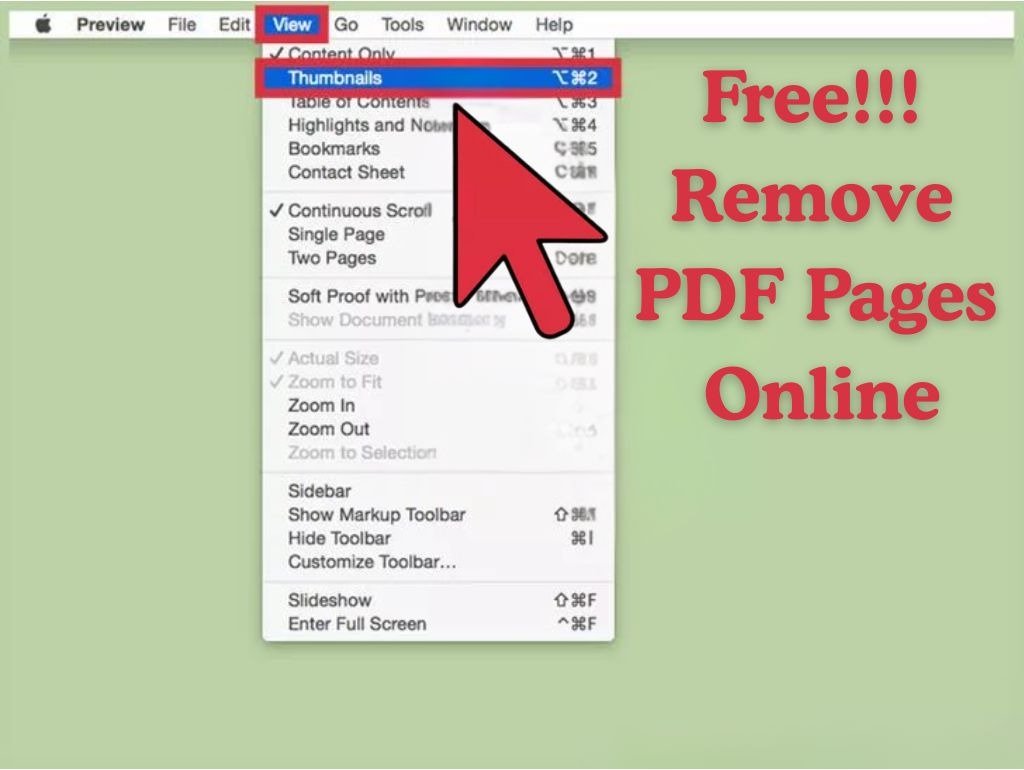
Free PDF Pages Remover - Delete PDF Pages in Seconds
Documents in PDF format are readily distributed as completed files, yet not all the pages have to be utilized. This could be the desire to delete blank pages, delete outdated parts, cut confidential materials, or just to extract the relevant parts of a document. Manual editing of PDFs using desktop software may prove costly, time-consuming, and complex. It is there that a Free Remove PDF Pages Online tool will be of the most significant benefit.
This online application will enable you to remove a single page or several pages in a PDF document with the press of a few buttons. It does not require any software installation, account creation, or high technical experience. All you have to do is upload your PDF, choose the pages to be deleted, and receive a clean and updated document immediately.
Our Free Remove PDF Pages Online tool has been designed in OnlineToolsDesk.com to be fast, secure, and easy. It operates in your browser, maintains the quality of the original document, and keeps your files confidential. This tool is free and fast. Whether you are a student tidying up assignments, an employee editing reports, or a business handling contracts, you are fully in control of your PDF pages.
Free PDF Pages Online Tool: How to Use the Free PDF Pages Online Tool.
It is easy and fast to delete the pages that one does not want in a PDF. Just follow these steps:
Upload Your PDF File
Select a file by clicking on the "Choose File" button or dragging and dropping your PDF to the upload section.
Advantage: It is compatible with any standard PDF files without registration.
Select Pages to Remove
View all of the pages and select which pages to delete either by clicking or selecting page ranges.
Advantage: It is easy and precise to edit the visual page.
Apply Changes
Click on the Remove Pages, and the system will automatically work on your file.
Advantage: Rapid processing with no waiting time.
Download the Updated PDF
Continue on your updated PDF in a moment. Download it to your device.
Advantage: No marks on the water, no restrictions- willing to share or store.
Key Features & Benefits
We have created a Free Remove PDF Pages Online tool, which is simple to use and allows maximum control.
- Erase a Page or Pages
Erase a page, a group of pages, or a range of pages.
- Preserve Original Quality
The pages that are undesired are removed--the layout, text, and images remain behind.
- Fast Cloud Processing
Document processing is done in seconds, even with large PDFs.
- Completely Free & Unlimited
There are no restrictions on usage, no restrictions on file size, and no restrictions on premium.
- Secure & Privacy-Safe
Posted PDFs are encrypted, and self-removal is taking place after processing.
- Articles on Everything and Every Browser
Available on Windows, macOS, Linux, Android, and iOS.
- No Software installation needed
All online and no downloads or plug-ins required.
Removing PDF Pages Online: 10 Reasons to Use Our Free Tool
Most PDF editors oblige them to install large software packages or place simple functionality behind paywalls. Some others bombard their sites with advertisements or invade privacy. Based on the OnlineToolsDesk.com, we think that the necessary document tools have to be easy, clear, and open to all.
Here's why users trust us:
- Distraction-free and clean interface
No advertisements, adverts, or unnecessary clicks.
- Privacy-first design
No files are ever stored, tracked, or shared.
- Reliable performance
Cloud processing is done at high speed, assuring instant results.
- True free access
Pay as you please with no restrictions or upgrades.
You can rely on OnlineToolsDesk.com, whether you want to edit a single PDF or deal with documents every day. It provides a well-oiled, business-friendly experience.
Related Tools
The following tools might come in handy as well:
- Arrange PDF pages online: Re-arrange PDF pages and rotate pages.
- PDF to JPG Converter Online: PDF to JPG.
Technical documentation on PDF structure and editing is a reliable source of information that Adobe provides in its official PDF documentation.
Final Words
You do not have to make a big deal or pay a lot of money to edit PDF documents. Free Remove PDF Pages Online is a tool that allows you to remove the unwanted pages quickly and then make clean and professional PDFs within a few seconds with the Free Remove PDF Pages Online tool at OnlineToolsDesk.com.
No code, no subscriptions, no secret restrictions, just a quick, safe, and dependable product that one can employ at any time, anywhere, on any machine. OnlineToolsDesk.com is the tool you can rely on, in case you are trying to find a very easy method to remove PDF pages on the Internet.