Free PDF to JPG Converter Online
Convert your PDF files into high-quality JPG images instantly with our Free PDF to JPG Converter Online. Upload your PDF and download clear, compressed JPG images—perfect for sharing, printing, or web use. No software installation, no sign-up, and completely secure. Fast, simple, and compatible with all devices.
Share on Social Media:
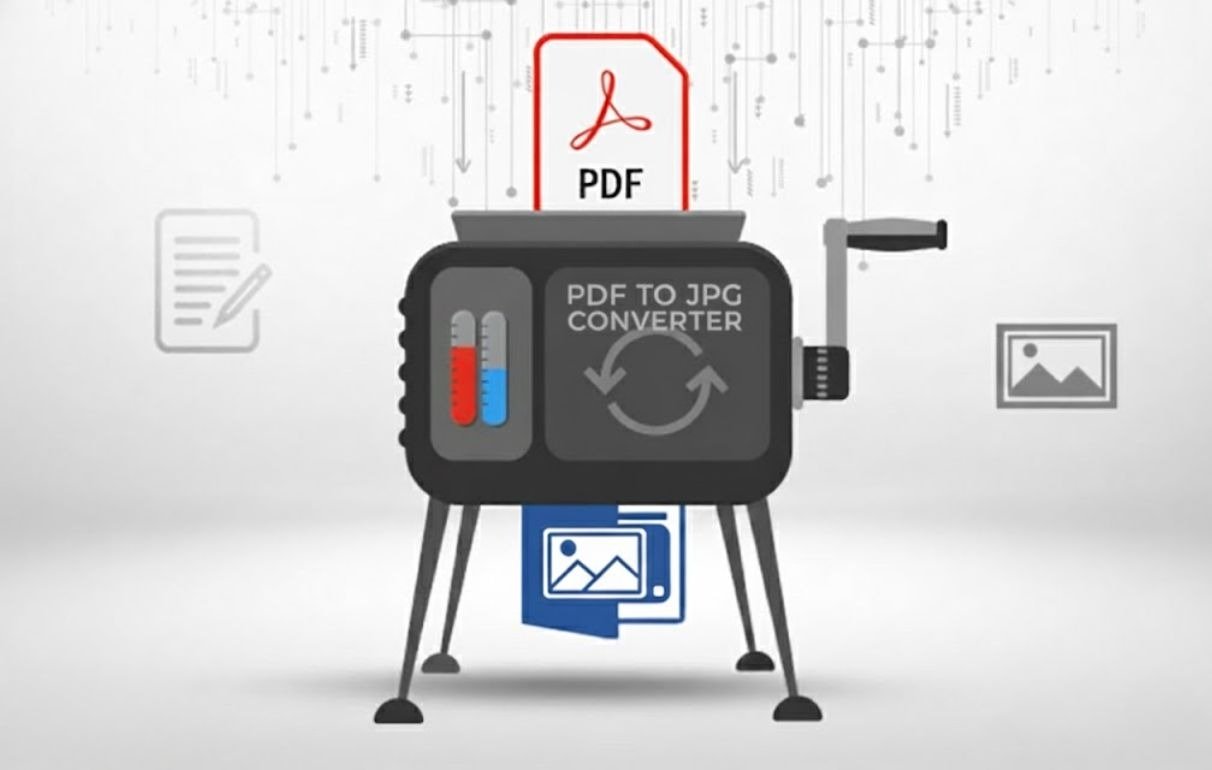
Free PDF to JPG Converter Online - PDF Pages to JPG Instant Converter
The PDF files are optimal in terms of sharing the documents that are in a set design, but in several scenarios, the image files come in handy. You might have to post one of the pages of a document on a webpage, make it available on a social media, make it a part of a presentation, or just keep the separate pages as pictures to have easier access. The best solution in such circumstances is Free PDF to JPG Converter Online.
A PDF converter to JPG will convert every page of your PDF to a high-quality JPG picture without loss of clarity, colours, or layout. JPG format is not heavy, it is compatible anywhere, and is suitable for the web, sharing emails, and visual content. A browser tool enables you to convert the pages of PDFs immediately and with ease, instead of taking screenshots or spending money on desktop programs.
OnlineToolsDesk.com, Free PDF to JPG Converter Online, is designed to be quick, safe, and very simple to use. It is in-browser, and it does not need any software or create an account, or have any restrictions on use. You are a student, designer, marketer, business professional, or casual user; this tool will assist you in converting PDFs into a JPG image at a fast and safe pace.
How to Take the Free PDF to JPG Converter Online
It is a few steps only to convert your PDF to JPG images.
Upload Your PDF File
Select a file or place a PDF file and drag it onto the uploading field, or use the "Choose File" to place the PDF file.
Benefit: Free and no registration is needed, and you can read normal PDF files.
Convert PDF to JPG
Click on convert to JPG, and each page will be processed by our system.
Benefit: Every PDF page is turned into a JPG picture.
Download Your JPG Images
Save your JPG files or in a ZIP file.
Benefit: No need to wait to download without a watermark or limitations.
Key Features & Benefits
Free PDF to JPG Converter Online will provide you with the best results at maximum convenience.
- High-Quality JPG Output
Keeps the text sharp, colors true, and original design.
- Lightweight Image Files
The JPG format minimizes the size of the files, hence the images are portable and can be uploaded easily.
- OCR Single or Multi-Page PDF
Individual pages are automatically converted into individual JPG images.
- Fast & Instant Conversion
Cloud computing is high-speed, and results are provided within seconds.
- Completely Free & Unlimited
The file size, page count, and daily use have no restrictions.
- Secure & Privacy-Safe
Encryption of files is done automatically, and files are deleted.
- Websites can be accessed on all devices
Supports Windows, macOS, Linux, Android, and iOS.
- None of it has to be installed or registered
It is all done right up in your browser.
Why should you use our Free PDF to JPG Converter on the Web?
Most of the online converters diminish the quality of images, add watermarks, limit downloads or upgrade to a paid option. Others bombard the user with adverts or invade privacy. OnlineToolsDesk.com is all about simplicity, quality, and trust.
We offer:
- Unobtrusive, unadulterated interface
No advertisements, offers, or difficult instructions.
- High-quality and correct image conversion.
Created to maintain the graphic quality of your PDF pages.
- Privacy-first approach
None of your files are stored, tracked, or shared.
- True free access
No memberships, no platinum locks, no constraints.
Between creating presentations to a visual display to sharing documents in the form of images, OnlineToolsDesk.com has a reliable and professional PDF to JPG conversion experience.
Related Tools
The following tools might also come in handy:
- Online PDF to PNG Converter: Free conversion of PDF to lossless PNG.
- JPG to PDF Converter Online: Convert JPG images to PDF files.
- Free PDF to Word Converter Online: Easy conversion of PDF text.
To find out more about the standards of JPG images, please check the official documentation of JPEG standards that is kept by the Joint Photographic Experts Group (JPEG).
Final Words
In need of a fast, easy-to-use PDF to JPG Converter that allows you to easily convert PDF documents to lightweight, high-quality images? Then Free PDF to JPG Converter Online at OnlineToolsDesk.com is the ideal option. It saves your time, preserves quality, and transfers files without software installation and accounts.
OnlineToolsDesk.com provides you with a quick, safe, and absolutely free solution, no matter the time, no matter the place: whether you are creating content on the web or simply need to share some documents in pictures or organize the pages in a PDF file.