Htaccess Redirect
Create and manage website redirects easily with our Htaccess Redirect tool. Generate correct .htaccess redirect rules for 301, 302, www to non-www, HTTP to HTTPS, and more—without coding knowledge. Perfect for SEO, site migrations, and fixing broken links. No sign-up, no downloads—just clean redirect rules in seconds.
Share on Social Media:
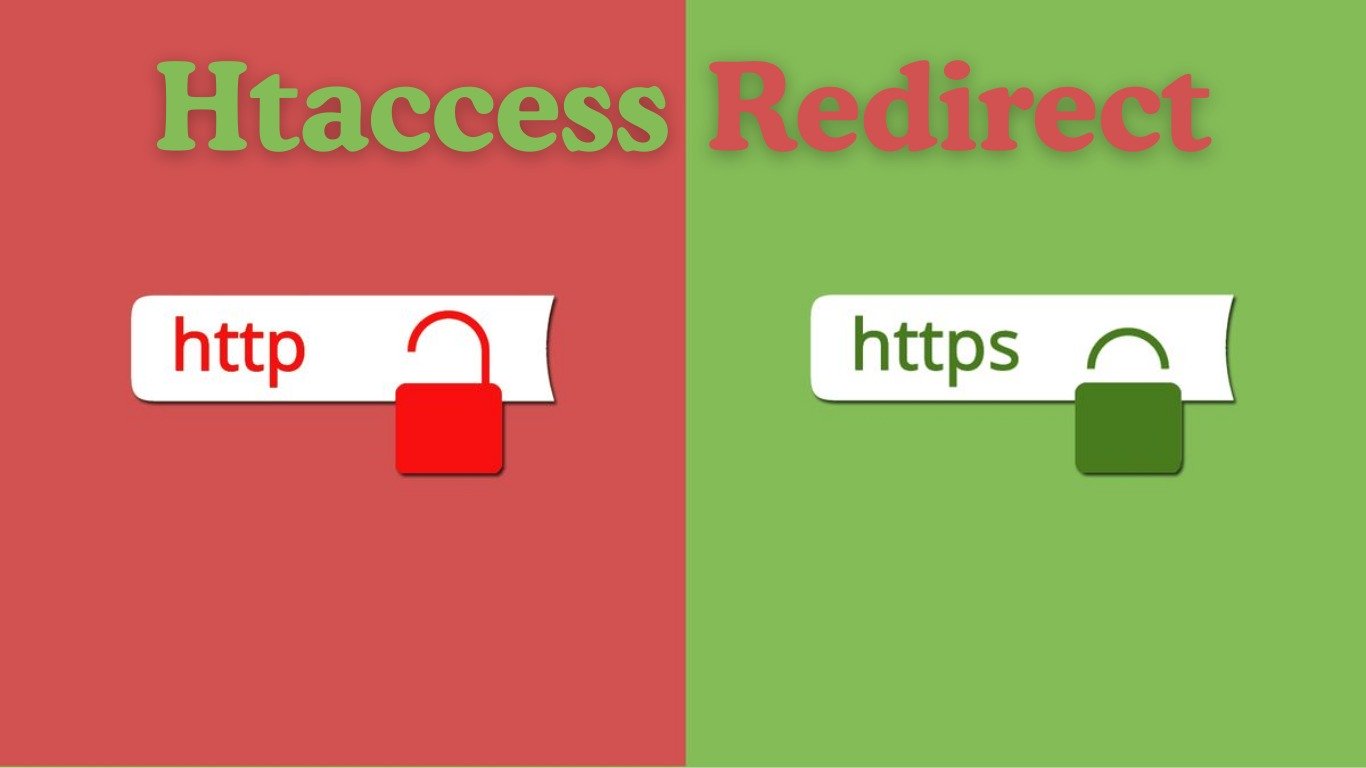
Htaccess Redirect: - Build and Maintain URL Redirects Easily
It is necessary to manage the redirects on the websites properly to maintain the SEO, user experience, and maintenance of websites. Redirects are used when using URLs that have been changed, pages have been removed, and domains are being migrated to make sure that the visitors and search engines are taken to the appropriate destination. This is the point where .htaccess redirect rules are very vital.
The Htaccess Redirect enables the management of the behaviour of URLs on Apache servers through the .htaccess file. The redirect rules have enabled you to redirect old URLs to new URLs, correct bad links, enforce HTTPS, redirect non-www to www (or the opposite), and maintain the same SEO value by offering the appropriate HTTP status codes such as 301 and 302.
We have a solution that will make this process easy at OnlineToolsDesk.com. You do not need to memorise complicated syntaxes, but can write clean and correct redirects that immediately work on Apache-based servers. It is quick, easy to learn, and easy to use, and it is also safe when it comes to SEO, so it is ideal for all developers, SEO experts, and web masters.
Guideline to use .htaccess Redirect Rules
With some basic knowledge of directing, redirects are simple to create. htaccess.
Identify the Redirect Type
Select either 301 (Permanent) or 302 (Temporary) redirect.
Advantage: Maintains the SEO values properly.
Source URLs and Destination URLs definition
Indicate the old URL and the new target URL.
Advantage: This will avoid broken links and 404 errors.
Add the Redirect Rule to the .htaccess
Add the rule that you have created to your. htaccess file (generally in the root directory).
Advantage: No server restart is required.
Test the Redirect
Ensure that there is proper redirection of the users and search engines.
Advantage: Provides good functionality and compliance with search engine optimization.
Common Htaccess Redirect Examples
Here are some widely used .htaccess redirect rules:
Redirect a Single Page (301)
Redirect 301 /old-page.html https://example.com/new-page.html
Redirect HTTP to HTTPS
RewriteEngine On
RewriteCond %{HTTPS} off
RewriteRule ^(.*)$ https://%{HTTP_HOST}/$1 [L,R=301]
Redirect Non-WWW to WWW
RewriteEngine On
RewriteCond %{HTTP_HOST} !^www\. [NC]
RewriteRule ^(.*)$ https://www.%{HTTP_HOST}/$1 [L,R=301]
Redirect an Entire Domain
Redirect 301 / https://newdomain.com/
Key Features & Benefits
Several significant benefits are associated with the correct use of the .htaccess redirect rules:
- SEO-Friendly Redirects
Maintain position and forwarding 301.
- Fix Broken Links & 404 Errors
Make sure that the users do not reach dead ends.
- Domain Migration Support/URL Migration Support
Relocate websites without loss of traffic.
- Force HTTPS & Canonical URLs
Enhance the security and prevent the problem of duplication.
- Server-Level Performance
Redirects are run at the server level- fast and efficient.
- Complete URL Behavior Control
Plugins and CMS dependency are not required.
The importance of .htaccess redirects to SEO
The search engines use the redirects to interpret the content change. Wrong redirects may result in:
- Loss of rankings
- Crawl errors
- Duplicate content
- Poor user experience
Application of .htaccess redirect correctly will guarantee that search engines are transferring to the appropriate page and that users will always enter the appropriate page.
What is the Rationale behind OnlineToolsDesk.com?
Numerous redirect generators are baffling or partial. In the case of OnlineToolsDesk.com, we are interested in:
- Uncomplicated, unencumbered redirect syntax.
- SEO-safe Apache rules
- Beginner-friendly explanations
- No ads, no clutter
- Free and unlimited usage
OnlineToolsDesk.com provides you with the tools that you can rely upon, whether you have to fix one broken link or run an entire site migration.
Related Tools
The following tools may also be helpful:
- Google cache checker online: Check pages on Google cache.
- SSL Checker Online: HTTPS setup verification.
- Spider simulator online: View how search engines are crawling redirects.
To be officially documented, the mod_rewrite guide of Apache is the technical reference.
Final Words
The redirects need to be done properly in order to preserve the SEO power, user trust, and the structure of the website. Using .htaccess redirect rules, you can provide better navigation for visitors and search engines through your site efficiently and securely.
OnlineToolsDesk.com simplifies complicated web activities and provides speedy, free, and privacy-protected internet-based tools. We have our .htaccess Redirect instructions ready so that you can fix broken links, move your domain, and correctly optimize your site with no guessing.