Comma Separator Online
Format numbers and text instantly with our Comma Separator Online tool. Add or remove commas to large numbers, lists, or values to improve readability and accuracy. Perfect for data formatting, accounting, spreadsheets, and content work. No sign-up, no downloads—simple, fast, and works smoothly on any device.
Share on Social Media:
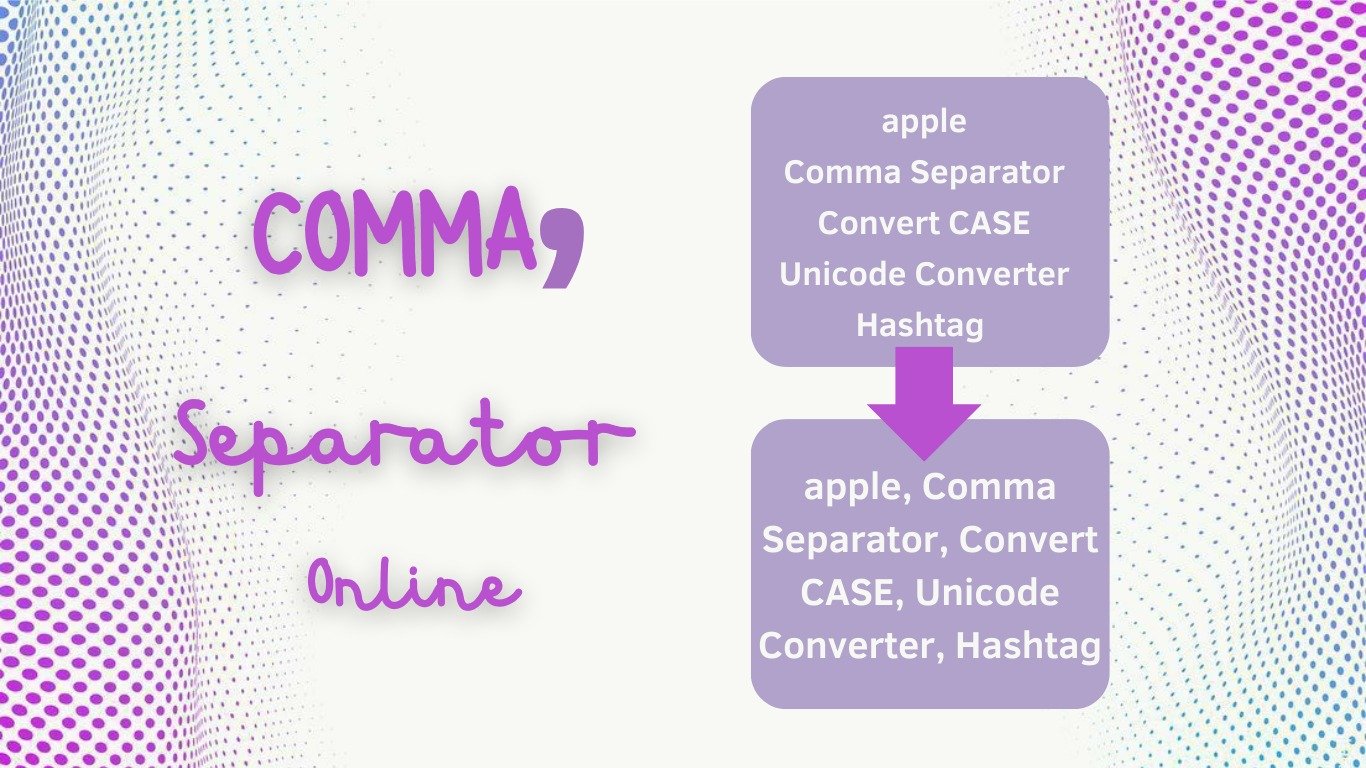
Comma Separator Online - Instantly Number and Text Formatting
Comma Separator Online tool is a fast and efficient means of structuring numbers or text with commas at the right positions. Upon working with big numbers, with financial figures, spreadsheets, or even plain text, the correct location of commas makes them easier to read and less prone to error. This online tool will do the formatting of the data immediately, as opposed to manually.
At OnlineToolsDesk.com, our Online tool of Comma Separator is a fast, free, and easy-to-use tool. It is browser-based and has no installation, no sign-up, and no technical skills. You simply have to paste your data, use the separator, and copy the formatted output.
What Is a Comma Separator?
A comma separator is normally applied to:
- Format large numbers (e.g., 1000000 - 1,000,000)
- Distinct values of lists or datasets.
- Enhance the accessibility of financial figures and reports.
- Ready information to spreadsheets, CSV files, or databases.
A comma separator will make sure your data appears clean, professional, and understandable.
Using the Comma Separator Online
It is just a matter of seconds to format your information:
Paste Your Data
Type in figures or text into the input box.
Advantage: Accepts individual values or big size of data.
Apply Comma Separation
Click on the format or Add Commas button.
Advantage: Formatting in real time.
Copy the Result
Copy the output that is in a format and paste it where necessary.
Advantage: Prepared to use spreadsheets, reports, or documents.
Key Features & Benefits
Our Comma Separator Online tool has been constructed to be accurate and convenient.
- Instant Number Formatting
Authenticates the correct use of commas.
- Supports Large Data Sets
Edit several numbers or text lines.
- Completely Free & Unlimited
No restrictions, no subscriptions, no unspecified charges.
- Browser-Based & Fast
Browses and works immediately in any current browser.
- Secure & Privacy-Safe
None of your data is saved or monitored- your input is confidential.
- Works on All Devices
Supported by desktop, tablet, and mobile devices.
What reasons do we have to use Our Comma Separator Online?
Most formatting applications have advertisements or cannot do much. OnlineToolsDesk.com is concerned with simplicity and reliability. We have a sleek interface, proper formatting, and instantaneous results, which make our tool efficient for a student, an accountant, a developer, and a data analyst.
You can use our tool to save time and avoid manual mistakes, whether you are creating financial figures, cleaning spreadsheet data, or formatting numbers to be presented.
Common Use Cases
- Breaking down large numbers to make them readable.
- According to the financial reports and accounting data.
- The spreadsheet and CSV worksheet preparation.
- Cleaning and transformation of information.
- Database inputs, Programming, and database inputs
Related Tools
OnlineToolsDesk.com may also have the following tools that come in handy:
Word counter online: Count words and characters online.
Online Random Number Generator: Random Number Generation instantly.
Keywords Density Checker Online: Checks the keyword density in the text.
For more understanding about commas, check out GRAMMARLY
Final Words
The Comma Separator Online tool in OnlineToolsDesk.com is a very basic yet potent solution for formatting numbers and text in a precise manner. Its quick results, clean interface, and total privacy make it easier to format data more quickly and with precision.
OnlineToolsDesk.com can help you in case you require a trusted method of adding commas to numbers or sorting out the text. Use the Comma Separator Online tool now and clarify and make your data more professional.